How to Download TikTok Stories: Save Videos Without Watermark [2025]
Want to download TikTok stories before they disappear? TikTok stories vanish after 24 hours, and the app doesn't offer a built-in save option. But with the right tools, you can save any public story to your device in seconds—without watermarks.
In this guide, you'll learn exactly how to save TikTok stories on iPhone, Android, and PC. We'll cover the fastest methods, explain the quality options, and show you how to download anonymously without the creator knowing.
Can You Download TikTok Stories?
Yes, you can download TikTok stories—but not through the official app. TikTok doesn't provide a "Save Story" button like Instagram does. However, third-party tools make it easy to save any public story.
Key Facts About TikTok Story Downloads:
- •Stories expire in 24 hours — Download before they're gone
- •No official save option — Third-party tools required
- •Public stories only — Private accounts are protected
- •HD quality available — Save in original resolution
- •Anonymous downloads — Creator won't know you saved it
How to Download TikTok Stories (3 Methods)
Method 1: Use Story Viewer (Recommended)
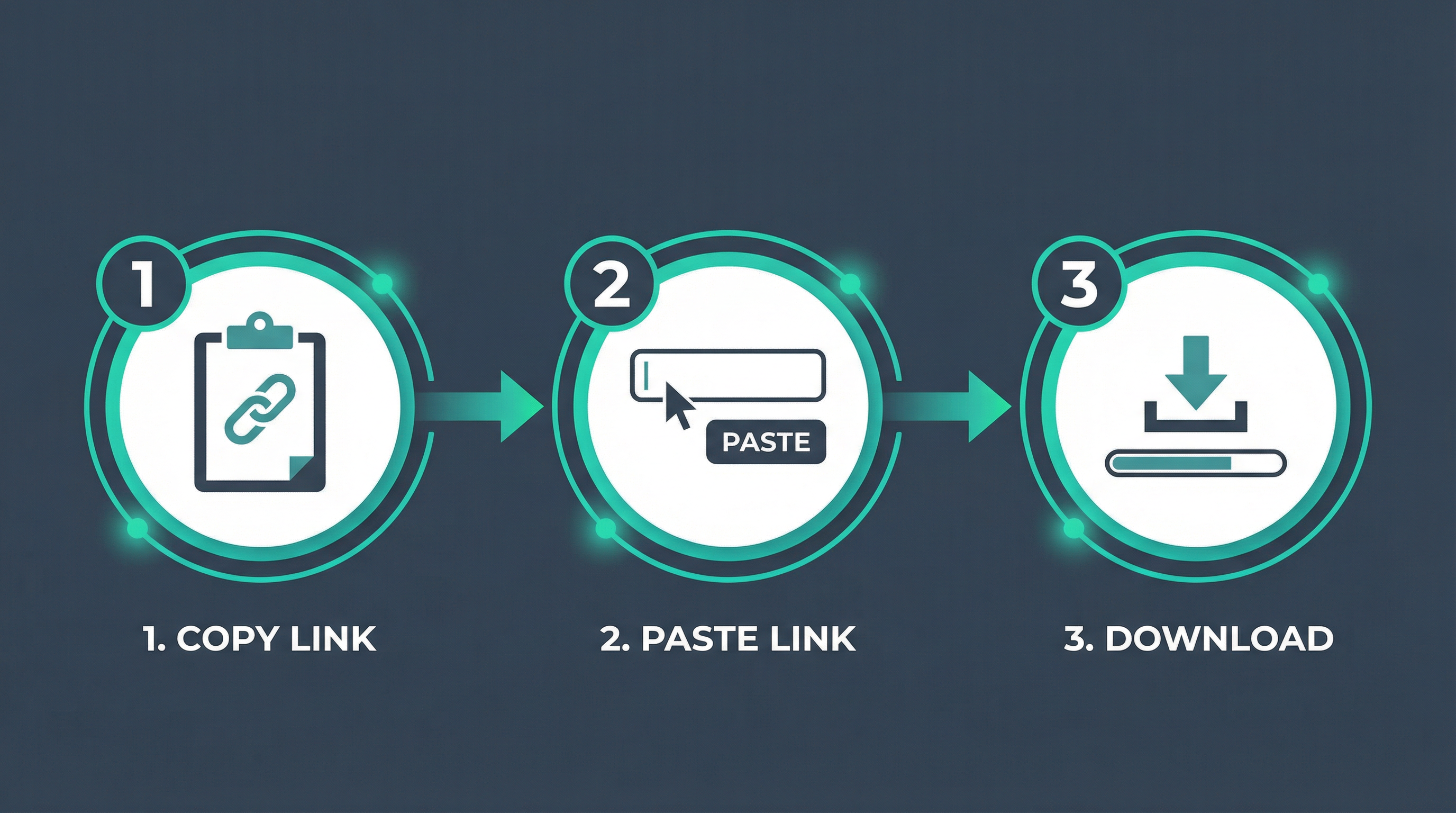
The fastest and most reliable way to download TikTok stories is using a web-based tool like Story Viewer. No app installation needed—works on any device.
Copy the TikTok username
Find the profile with the story you want to save
Paste into Story Viewer
Enter the username and click search
Click Download
Select HD quality and save to your device
✓ Benefits: No watermark, HD quality, anonymous, works on all devices, completely free
Method 2: Screen Recording
A simple but lower-quality option is to screen record while watching the story.
On iPhone:
- Open Control Center
- Tap Screen Recording button
- Open TikTok and play the story
- Stop recording when done
On Android:
- Pull down notification shade
- Tap Screen Recorder
- Play the TikTok story
- Stop when finished
⚠️ Drawbacks: Lower quality, includes UI elements, not anonymous
Conclusion
Downloading TikTok stories is easy with the right tools. Story Viewer offers the best combination of quality, speed, and privacy. Save your favorite stories before they disappear!